DarLink AI on Mobile: App or Web?
- No official DarLink AI app in the App Store or Google Play—use the web version.
- All main features work in your mobile browser, including chat, voice, and AI-generated photos/videos.
- To access faster, you can add DarLink AI to your home screen as a shortcut.
Official DarLink AI app status
DarLink AI is not available as a downloadable app on either the Apple App Store or Google Play as of October 2026. Any apps named DarLink in those stores are not published by FameLink SA, the company behind DarLink AI, so they are unrelated. The official way to use DarLink AI is through your web browser, both on desktop and mobile. The experience is web-based, but you still get access to all the main features such as text chat, roleplay, voice messages, and AI-generated media. When people refer to the 'DarLink AI app,' they’re usually talking about using the website via a browser or adding it to their device’s home screen as a shortcut for quick access.
Add DarLink AI to your iPhone home screen
You can make DarLink AI feel like an app on your iPhone by adding a shortcut to your home screen. This opens the site in its own window, so it’s separate from your other Safari tabs and easier to reach:
1. Open Safari and go to darlink.ai.
2. Tap the Share icon (square with an arrow up).
3. Scroll down and tap 'Add to Home Screen.'
4. Adjust the shortcut name if you like.
5. Tap 'Add' in the top right.
6. Find the new DarLink AI icon on your home screen and tap to launch.
This method doesn’t install a native app, but it gives you single-tap access just like your other apps.
DarLink AI on Android phones
On Android, you can add DarLink AI to your home screen for quick access, similar to an app. All main features work in your mobile browser. If you see an offer to install an APK, only do so from the official darlink.ai website, not Google Play:
1. Open Chrome (or your preferred browser) and go to darlink.ai.
2. Tap the menu (three dots) in the top right.
3. Choose 'Add to Home screen.'
4. Name the shortcut if you wish.
5. Tap 'Add.'
6. Find the DarLink AI icon on your home screen and tap it to launch the site.
The shortcut opens DarLink AI in a window that feels app-like, and you won’t need to search for the tab again.
App vs web version
On both mobile and desktop, you get the same set of features—there’s no difference in what you can do, as everything runs through the browser. Here’s a quick comparison to show feature parity:
| Feature | Mobile Browser | Desktop Browser |
|---|---|---|
| Text chat & roleplay | Yes | Yes |
| Voice messages | Yes | Yes |
| AI-generated images | Yes | Yes |
| Short AI videos | Yes | Yes |
| Subscription management | Yes | Yes |
| Living Memory system | Yes | Yes |
The experience adapts to screen size, so you can chat, send or receive media, and manage your plan from anywhere.
Mobile billing
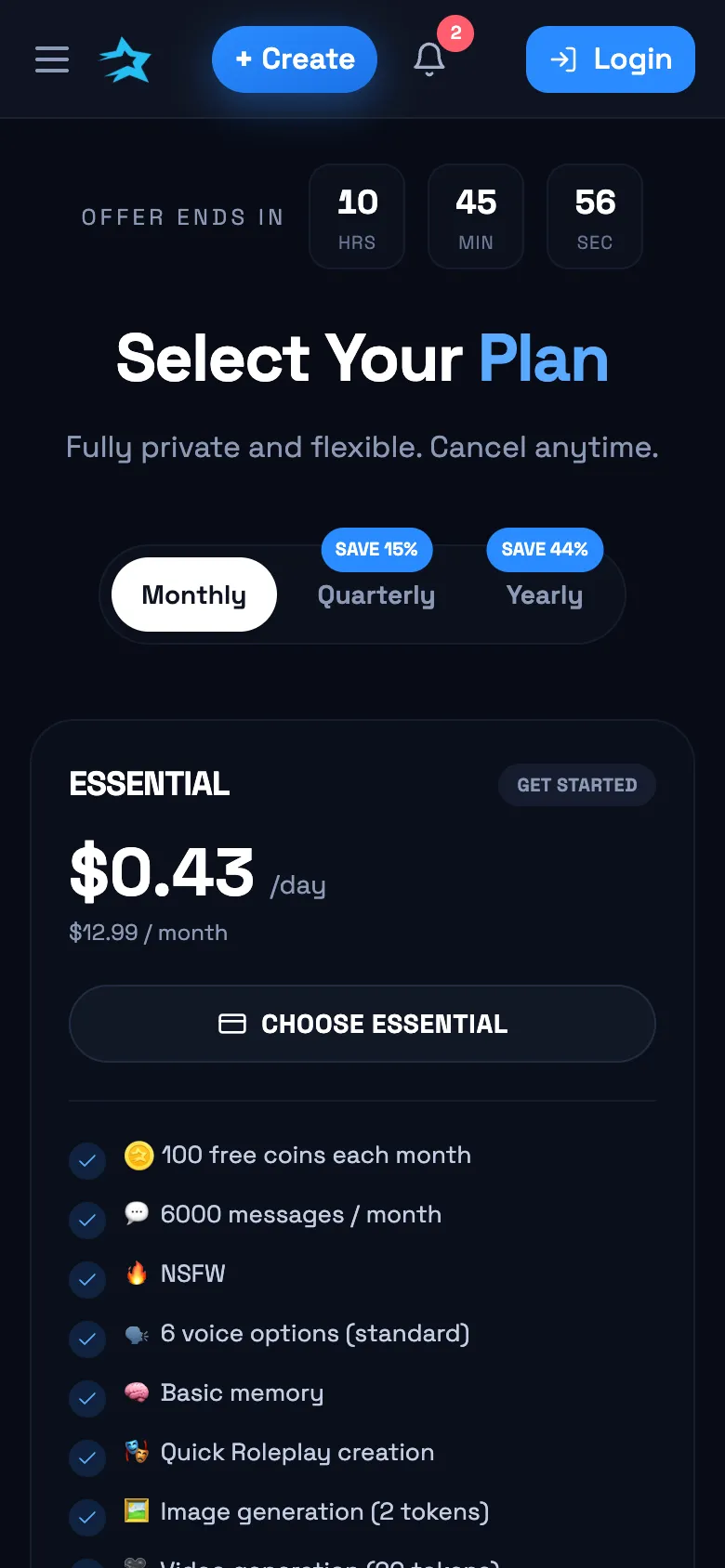
Payments on DarLink AI are handled through the website, not via app stores, so you’ll enter your card details or use the crypto option directly on darlink.ai. This means all purchases are charged in USD and processed on the site, not through Apple or Google’s systems. Taxes and final prices can vary based on your billing address. Subscriptions renew automatically until you cancel, and refunds are limited to specific situations, such as a request within 24 hours with minimal use or fraudulent charges. There’s no difference in what you get or how you pay when using DarLink AI on your phone versus your computer.
When the app/web app misbehaves
If DarLink AI isn’t loading or working right on your phone, the fix is often quick. Try these troubleshooting steps to get things running smoothly again:
| Issue | Quick Fix |
|---|---|
| Site won’t load or is slow | Check your internet connection |
| Stuck or glitchy chat | Refresh the page or clear browser cache |
| Can’t send/receive media | Update your browser to the latest |
| Home screen shortcut not working | Remove and re-add the shortcut |
| Subscription not showing | Log out and log back in |
Often, a refresh or clearing your browser cache can solve most problems. If issues persist, accessing DarLink AI from a different device or browser is a good backup.
What you need to run DarLink AI
- Modern web browser (Safari, Chrome, Firefox, Edge)
- Stable internet connection (Wi-Fi or strong data signal)
- Device with enough free storage for browser cache
- Access to darlink.ai (the official site)
- 18+ only: for adult users
As long as your phone or tablet runs a current browser and you’re online, you can access all of DarLink AI’s features.
Q&A
Yes, you can use DarLink AI entirely in your web browser—there’s no need to download anything. All chat, voice, and media features work directly from darlink.ai on mobile or desktop.
There’s no official DarLink AI app in the Apple App Store or Google Play. The service is designed for browser use, and any similarly named apps in those stores are unrelated.
Your DarLink AI account, messages, and memories sync across devices. Whether you log in from your phone’s browser or your computer, you’ll see the same conversations and content.