Is There a DarLink AI App?
There’s no official DarLink AI app on Google Play or the App Store, but you can use DarLink AI directly in your browser—on mobile or desktop. Only trust the official site (darlink.ai) for access, and avoid third-party downloads pretending to be DarLink AI.
DarLink AI app: the short answer
What counts as the 'app' for DarLink AI is actually its web version, which works smoothly in your browser on both mobile and desktop. There’s currently no app on Google Play or the App Store. Here’s how things line up:
| Platform | Official App? | How to Use |
|---|---|---|
| Android phones | No | Mobile browser |
| iPhone (iOS) | No | Mobile browser |
| Desktop/Laptop | No | Web browser |
| APK (Android app) | Not on Play Store | Only via darlink.ai |
| PWA/Home Screen | Browser shortcut | Supported |
You get the full DarLink AI experience directly in your browser—no separate app required.
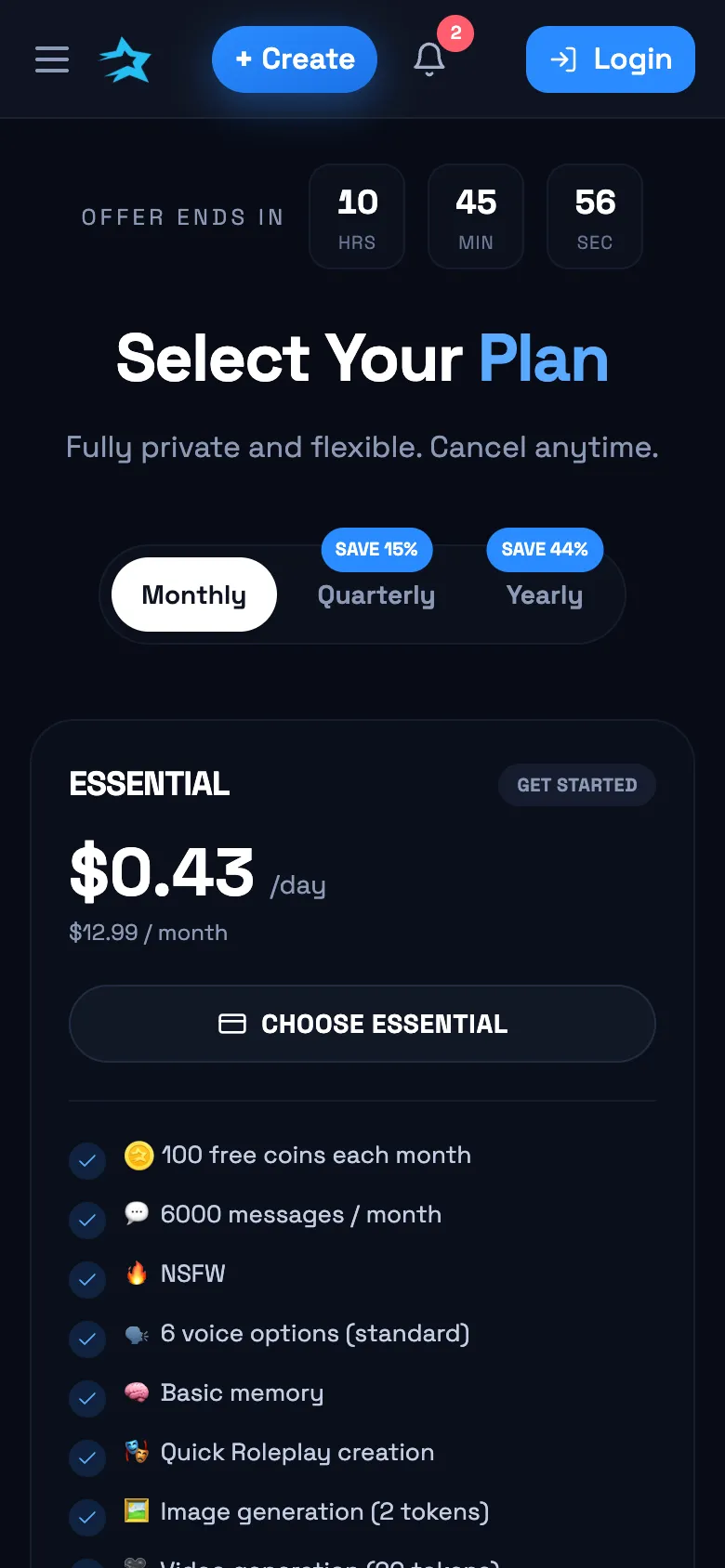
DarLink AI on Android phones
You can set up a quick-access DarLink AI shortcut on your Android home screen using Chrome or another modern browser. Here's how to do it:
- Open Chrome and go to darlink.ai.
- Log in with your official account.
- Tap the three-dot menu in Chrome.
- Choose 'Add to Home screen.'
- Confirm and rename the shortcut if you like.
- Now you’ll have easy 1-tap access, just like an app.
There’s no need to download any APKs or third-party apps; this gives you direct, secure access every time.
App vs web version
Mobile browsers today give you almost the same experience as a native app. Here’s how DarLink AI’s web version stacks up:
- Quick chat and roleplay with AI characters
- AI-generated photos and short videos (with tokens)
- Listen to voice messages from characters
- Deep memory features based on your subscription
- Works on most modern phones and tablets
You can jump between mobile and desktop without losing your place or access to features, so using the browser version is pretty convenient.
Chat, pictures and voice on mobile
From your phone, you can chat and roleplay with adult AI characters just like on desktop. Voice messages from characters are fully supported, so you can listen in on the go. If you want more visual interaction, AI-generated photos and short videos are available—these use tokens and can be requested directly from your mobile browser. All features, including Living Memory for deeper character relationships, are right there with no app download needed.
Device requirements
DarLink AI runs in your browser, so you won’t need extra storage for an app install. You just need:
- A modern web browser (Chrome, Safari, Firefox, Edge)
- A stable internet connection
- Enough device memory for media content
- An Android or iOS device released in recent years
No Play Store or App Store downloads required—just visit the official site and start chatting.
Q&A
Only download any DarLink AI APK or access features through the official site, darlink.ai. Apps named DarLink on Google Play aren’t published by FameLink SA and could be unsafe.
Yes, you can use all core DarLink AI features in your phone or desktop browser. There’s no need to download an app to chat, listen to voice messages, or request AI-generated media.
There’s no charge to access DarLink AI’s site from your browser. Some features, like AI-generated photos and videos, require tokens, and deeper memory features depend on your subscription plan.