DarLink AI App Download Guide
- DarLink AI does not have an official app on Google Play or the Apple App Store; use it in your mobile browser.
- Only download or log in through the official site, darlink.ai.
- To access DarLink AI quickly, add it to your home screen as a shortcut.
DarLink AI not loading on your phone?
If media such as voice messages or videos aren't playing on your mobile, several browser-related issues are often to blame. Here are some common fixes:
| Issue | Fix |
|---|---|
| Media won’t play | Refresh page or clear browser cache |
| Page not loading | Check internet connection |
| Outdated browser | Update browser to latest version |
| Shortcut not working | Remove and reinstall home screen icon |
| Persistent issues | Try a different browser (e.g. Chrome, Safari) |
Usually, a quick cache clear or browser update resolves most playback problems, but persistent issues might require switching browsers.
Is there a DarLink AI app?
Here’s a quick overview of where you can (and can’t) get the official DarLink AI app:
| Platform | Official App Available? | How to Access |
|---|---|---|
| iOS (App Store) | No | Use Safari or browser |
| Android (Play) | No | Use Chrome or browser |
| Web | Yes | Visit darlink.ai |
There are no official DarLink AI apps in the Apple or Google app stores; all access is via browser. Ignore any similarly named apps in app stores, as they’re not published by FameLink SA.
Installing DarLink AI on iPhone
To make DarLink AI feel more like an app on your iPhone, you can add it to your home screen for quick access. Here’s how:
- Open Safari and go to darlink.ai.
- Tap the Share icon (square with arrow at the bottom).
- Scroll down and select 'Add to Home Screen'.
- Edit the name if you wish, then tap 'Add'.
- Look for the DarLink AI icon on your home screen and tap to launch.
This method doesn’t install a native app, but it gives you a convenient shortcut that behaves much like one.
Installing DarLink AI on Android
Android users can also add DarLink AI to their home screen for easier access. Here’s what to do:
- Open Chrome and navigate to darlink.ai.
- Tap the three-dot menu in the top right corner.
- Select 'Add to Home screen' or 'Install app' if prompted.
- Confirm the name and tap 'Add'.
- Find the new icon on your home screen and open it like an app.
There’s no official APK, so avoid any third-party downloads and stick to the browser-based shortcut.
Copycat apps to avoid
Apps called DarLink on Google Play or other app stores are not published by FameLink SA and may not be safe. Only access DarLink AI through the official website at darlink.ai to avoid privacy risks or scams. Tip: Never download APKs from third-party sites claiming to offer DarLink AI, as these can contain malware or steal your data. Stick to the official site for all logins and payments.
Subscriptions via app stores or web
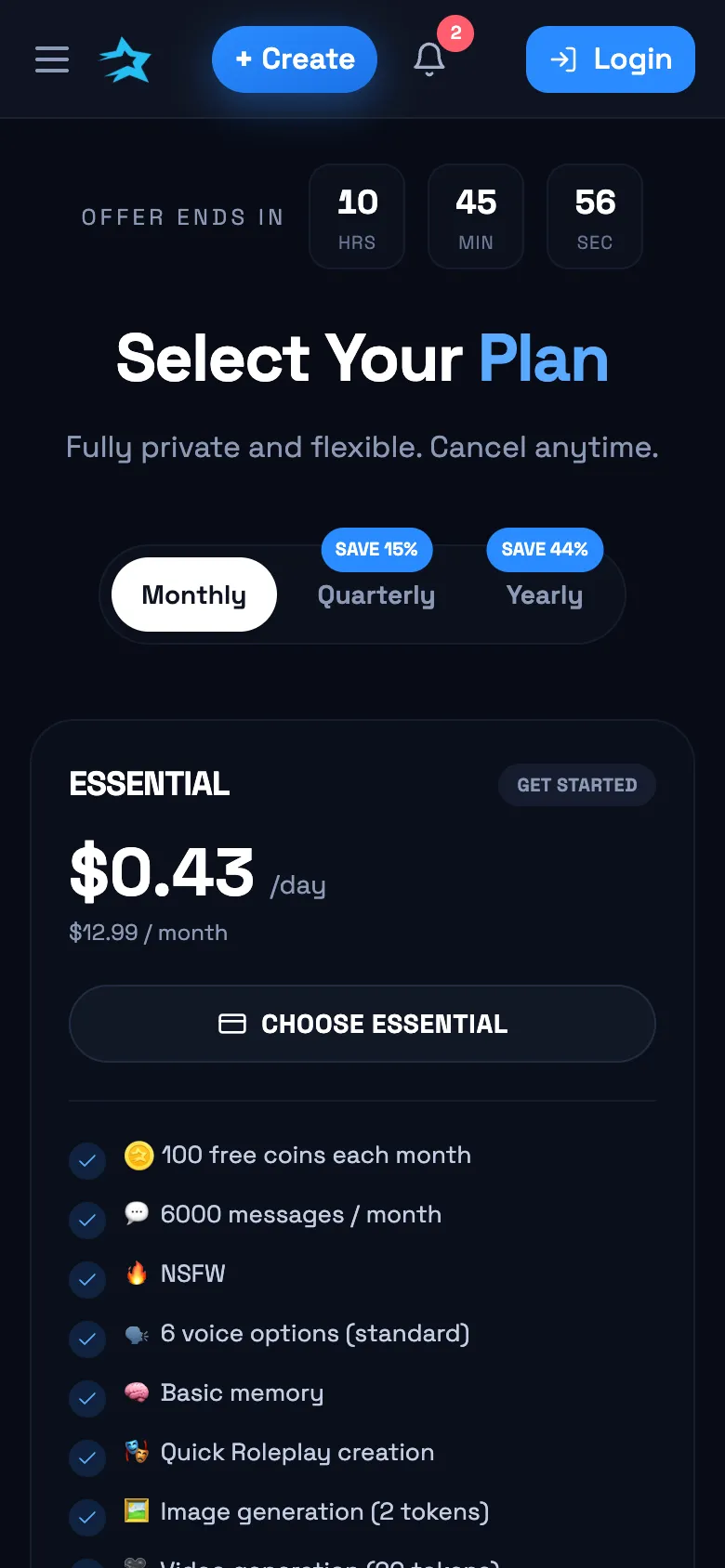
All DarLink AI subscriptions are managed through the official website, not through app stores. Payment options include card and, for yearly plans, cryptocurrency. Subscriptions renew automatically until cancelled, and you can manage or cancel your plan in your account settings. There’s no app-store billing, so everything goes through the web interface.
Device requirements
DarLink AI works on most modern devices and browsers, but for the best experience:
- Use a recent version of Chrome, Safari, or Firefox
- Ensure a stable internet connection
- Enable cookies and JavaScript
- Allow browser notifications (if desired)
- Avoid using outdated or unsupported browsers
A reasonably up-to-date phone or tablet should be sufficient for smooth use.
Q&A
No, there is no official DarLink AI app on Google Play. Use DarLink AI directly in your mobile browser and add it to your home screen for quick access.
Yes, DarLink AI is a paid service with several subscription plans. Pricing and plan details are available on the official site, with payment managed via the web—not through app stores.
Browser notifications can be enabled for DarLink AI if your browser supports them. You won’t receive native app notifications, but browser-based alerts are available on most modern devices.