Is There a DarLink AI App?
There is no official DarLink AI app for iOS or Android at this time. Instead, you use DarLink AI in your mobile browser, where all the main features are available. Only use the official site, darlink.ai, for logging in or payments.
Is there a DarLink AI app?
Currently, there is no official DarLink AI app available on either the Apple App Store or Google Play. If you see apps named DarLink on Google Play, they are not published by the official provider, FameLink SA. Instead, DarLink AI is accessed directly through your web browser, including on mobile devices, by visiting darlink.ai. This web-based approach means you can chat, interact, and explore features from nearly any device without needing a separate app download. For iPhone and Android users, all main features are accessible via the browser, with no dedicated app required.
Getting DarLink AI on Android
While there is no official DarLink AI app in the Play Store, you can create an app-like shortcut for easy access. Here’s how to add DarLink AI to your Android home screen using Chrome:
- Open Chrome and go to darlink.ai.
- Tap the three-dot menu in the top right corner.
- Select 'Add to Home screen'.
- Edit the shortcut name if you wish, then tap 'Add'.
- The icon will appear on your home screen, launching DarLink AI like an app.
This shortcut lets you return to your chats quickly without searching or typing the address each time.
What works on mobile
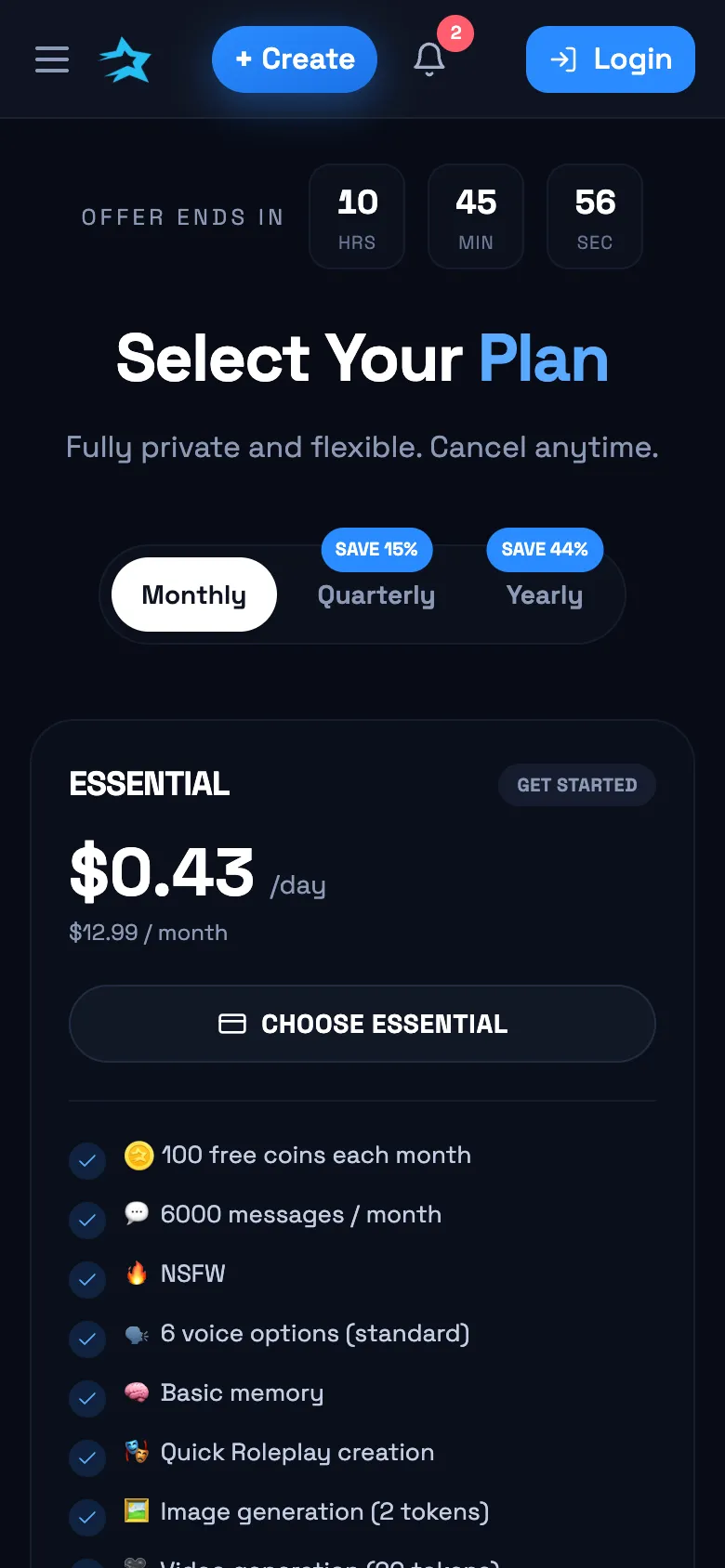
On your phone, you can chat with AI characters using text, engage in roleplay, and listen to voice messages sent by the characters. Creating and viewing AI-generated photos or short videos is also supported—these require tokens, which are included in paid plans. Some advanced features, like the Living Memory system that helps characters remember details across conversations, work regardless of device, though complex roleplay editing or long message histories might feel more comfortable on a larger screen. While nearly all core features are available, you might notice that managing subscriptions or viewing extensive chat histories is easier on a desktop.
Paying for DarLink AI on mobile
All payments for DarLink AI are handled through the website, whether you’re on mobile or desktop. There are no app store subscriptions or in-app purchases—everything goes through darlink.ai. Pricing is listed in USD and includes taxes where applicable, based on your location. Subscription renewals, cancellations, and plan changes are managed in your account settings online. If you need to pay with a card or want to use cryptocurrency (for yearly plans), both options are available directly from your browser.
DarLink AI not loading on your phone?
If DarLink AI won’t load or you’re stuck at the login screen, try these fixes before contacting support. Most issues come down to browser glitches or network hiccups:
| Problem | Quick Fix |
|---|---|
| Site not loading | Clear browser cache and cookies |
| Login screen stuck | Update your browser to the latest version |
| Shortcut not working | Remove and reinstall the home screen shortcut |
| Slow or missing images/videos | Check your internet connection |
| Payment page errors | Try a different browser or device |
A quick browser refresh or network check usually gets things working again. If problems continue, double-check that you’re on the real darlink.ai site.
Q&A
No, there’s no official DarLink AI app for iPhone. You can use all main features by visiting darlink.ai in your mobile browser.
There’s no official app on Google Play. Instead, access DarLink AI at darlink.ai in your browser, and you can add a shortcut to your home screen for convenience.
DarLink AI does not offer an official APK for download. Only use the official site, darlink.ai, to avoid unofficial or unsafe apps.
DarLink AI is a paid service with several subscription plans. All payments are handled through the official website, not through app stores.
Push notifications are not available as there’s no native app, but you can check for new messages by opening DarLink AI in your mobile browser.