DarLink AI App Guide
- There’s no official DarLink AI app on iOS or Google Play—use it in your mobile browser.
- You can add DarLink AI to your home screen as a shortcut for an app-like feel.
- Only download or subscribe through the official site: darlink.ai.
App or website?
DarLink AI doesn’t have an official app in the Google Play Store or Apple App Store. Instead, the service is entirely web-based. On both iOS and Android, you access DarLink AI by visiting darlink.ai in your mobile browser. This web version works much like an app, especially if you add it to your home screen. Any apps called 'Darlink' you might see in app stores are not published by the official company, FameLink SA. For the real experience, the website is what counts as 'the app'—on both desktop and mobile.
Android setup
If you want that app-like feeling on Android, you can set up DarLink AI as a Progressive Web App (PWA) using your browser. Here’s how to get started:
- Open Chrome (or your favourite browser) and go to darlink.ai.
- Log in or create your account if you haven’t already.
- Tap the menu (three dots) in the top-right corner.
- Select 'Add to Home screen.'
- Confirm the name and tap 'Add.'
- The shortcut now appears with your other apps.
You don’t need to download any APK—always use the official website. Permissions needed are minimal, just like any other browser shortcut.
Keeping it private on your phone
If you want to keep your DarLink AI chats discreet, treat it like any private website. You can set up a home screen shortcut with a generic name, and use your browser’s privacy settings or incognito mode for extra cover. Lock your phone, or hide the shortcut in a folder if you share your device.
Tip: Always log out after use if you want total privacy, and clear your browser’s history if needed.
Paying for DarLink AI on mobile
Do app stores handle payments?
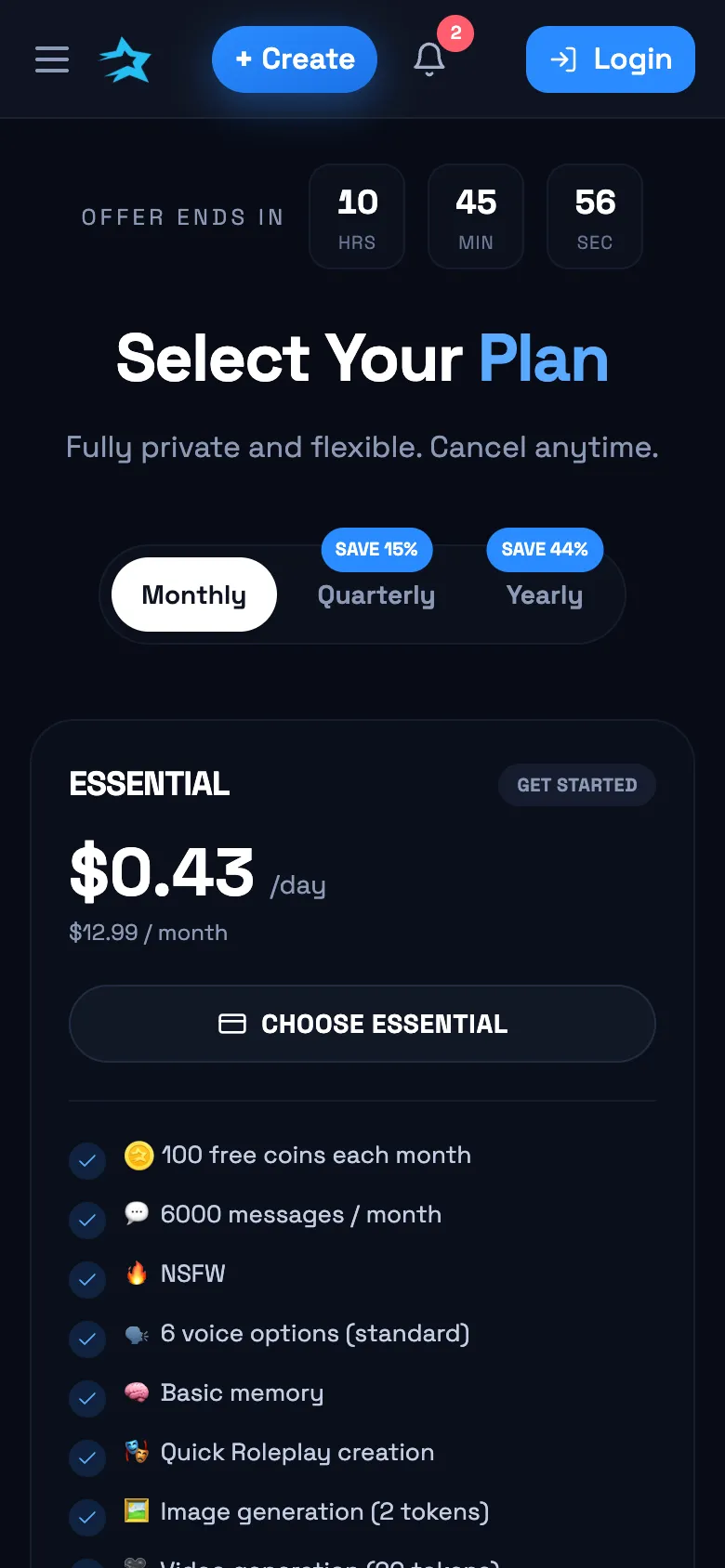
No—DarLink AI subscriptions and payments are all done through the official website, even on mobile. There’s no in-app purchase system via Apple or Google.
Are payment methods different on mobile?
You get the same options as desktop: card payment or 'Pay with Crypto' on yearly plans, all directly on darlink.ai.
How are renewals and cancellations managed?
Subscriptions renew automatically and are cancelled in your account settings on the website, not through an app store.
DarLink AI not loading on your phone?
Sometimes mobile browsing can cause hiccups—especially with media like voice or video. Here are the most common fixes:
| Problem | Quick Fix |
|---|---|
| Site not loading | Refresh page or check your internet |
| Stuck on login | Clear cache or restart browser |
| Voice/video won’t play | Update browser; check site permissions |
| Shortcut not working | Remove and re-add to home screen |
| Images not appearing | Try a different browser or clear cookies |
Usually, a quick cache clear or browser update sorts it out. If you’re still stuck, try accessing DarLink AI from another device to check if it’s a device-specific issue.
Q&A
No, there’s no official DarLink AI app on the App Store. Use DarLink AI in your Safari or mobile browser, and you can add a shortcut to your home screen for convenience.
There’s no official APK for DarLink AI. You should only access the service at darlink.ai. Any APKs or apps found elsewhere aren’t from the real provider and aren’t recommended.
Yes—your chats, characters, and settings are synced across devices when you use darlink.ai. Whether you’re on mobile or desktop, your experience carries over.
No official Android app exists. Use DarLink AI in your mobile browser, and add it as a shortcut to your home screen if you want it to feel like an app.
Absolutely. Everything works through the web browser on your phone or computer—no download needed. All features are available through the official website.